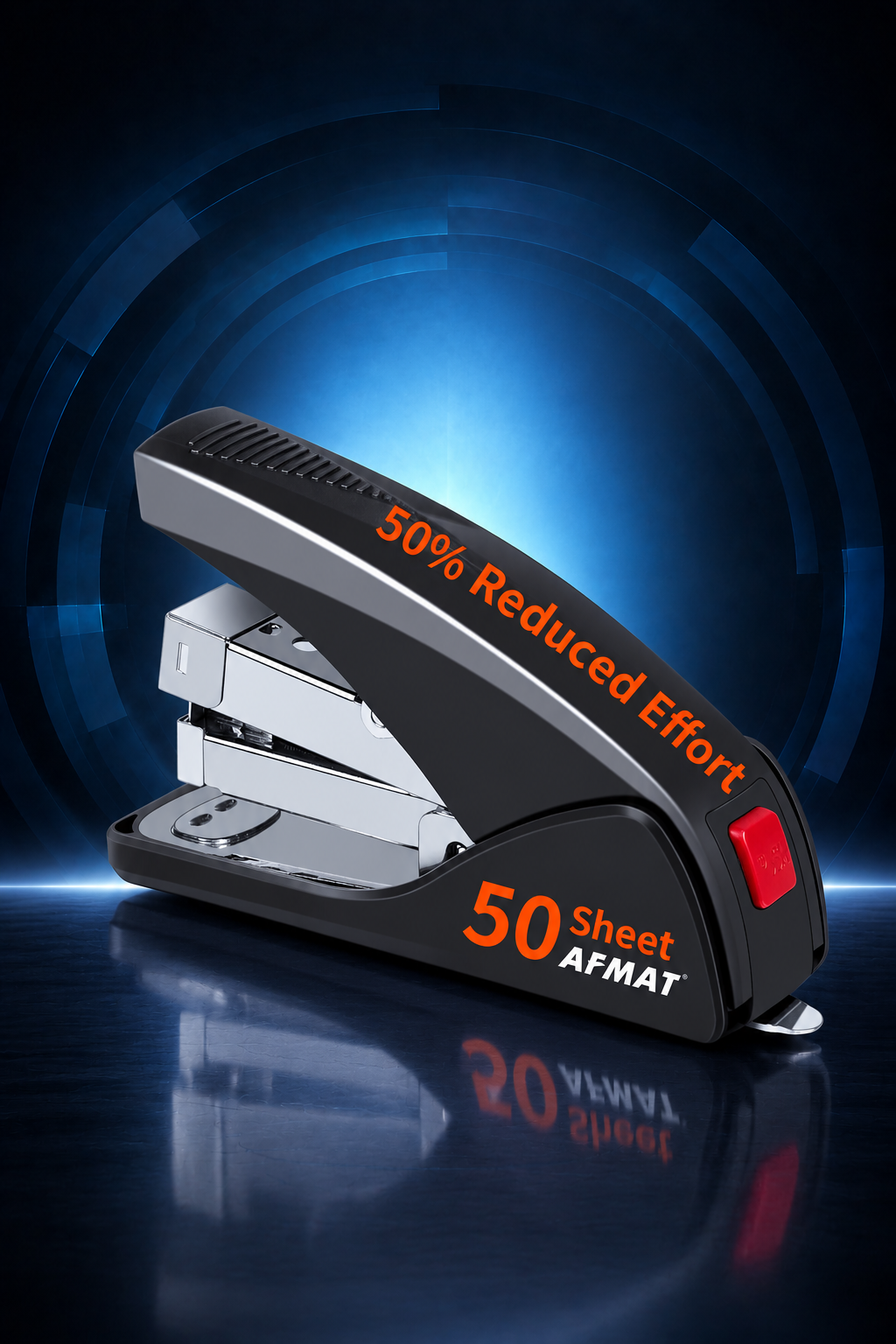
ES10 Handheld Stapler

FAQs:
Cannot Staple 50 Pages?
Our stapler is compatible with two sizes of staples. When using 70 gsm paper with 5/16-inch long staples (#23/8), it can bind up to 50 sheets at once. Details as follows:
· 20–25 sheets: Requires 1/4-inch leg length staples (#23/6, #24/6, #26/6 – standard staples).
· 40–50 sheets: Requires 5/16-inch leg length staples (#23/8).
 Staple Jam / Staple Track Stuck and Won’t Eject?
If you encounter a jammed staple, you may first try to carefully pull it apart or tap it to see if it can be restored—see the videos below for a demonstration.
https://drive.google.com/file/d/1XDpQG9loXeKj_9R0spz-0DZVHBHEDYIU/view?usp=sharing
https://drive.google.com/file/d/1n0b36l4-g7zO5qPZ8LLm9xVL0FmkpvM5/view?usp=sharing
If it can be loosened like in the images below, it means it can staple normally.  If a staple jam still exists, do not force it. Follow these steps:
1.Check the staple exit slot for any stuck staples. If found, use a tool (e.g., pliers) to carefully remove the jammed staple.
2.Press down lightly on the stapler, then press the staple track back slightly.
3.Press the red track release button to check if the track ejects properly.4.
4.Inspect the staple track for any broken or deformed staples (bent staples can cause jams). Remove any damaged staples and reinstall the track.
⚠Important Note: If the first staple jams and the stuck staple isn’t fully removed, the second and third staples will also jam. Always clear the jam completely before continuing.
Prone to jamming?
1. Check the staple exit slot for any stuck debris or foreign objects.
2. Inspect the current staples you're using
· Ensure they are not bent, rusty, or of poor quality.
· Look for excess glue residue on the staples (this may cause jamming).
· If issues are found, try switching to a higher-quality staple brand for smoother performance.
3. Do not overfill the stapler with staples—leave some space to avoid misfeeds.
Customer Support
If the above solutions don't resolve the problem, our support team is ready to assist you further. To help us serve you better, please provide:
1. Your complete order number
2. Full name and shipping address
3. A short video (15-30 seconds) or clear photos showing:
①5The sharpener when powered on, power connection, working of indicator light (if applicable).
②Adjust to max sharpness (if applicable).
③The malfunction is occurring.
④Any visible damage or irregularities.
Contact Details:
Email: support@afmat.com / afmatoffice1@gmail.com
WhatsApp: 1-(323) 961-7865
Phone Number: 1-(323) 961-7865 (can leave us SMS for better assistance)