PS91,PS92,PS93,PS94,PS91PR Troubleshooting

*After putting in a pencil, the sharpener is just silent without any working noise.
Step 1: Power Source Check
First, try using a different power outlet or charger to rule out any electrical issues.
Ensure the adapter is firmly connected to both the sharpener and power source.
Step 2: Blade Jamming (if power isn't the issue)
Safety First: Unplug the adapter completely before proceeding, and better wear a pair of gloves.
Unscrew and remove the sharpener's top cap.
Carefully open the blade housing by turning it counterclockwise.
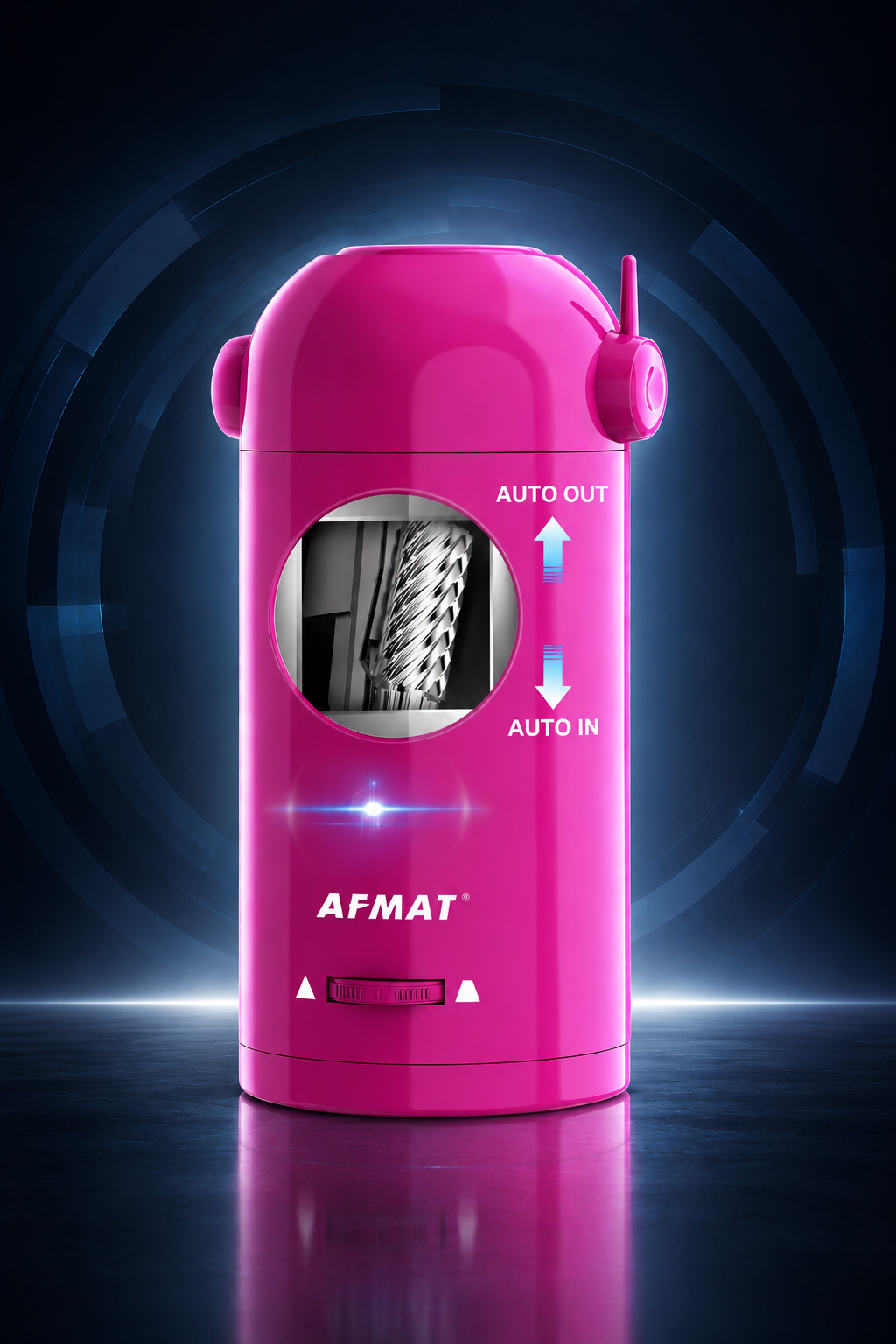
Gently remove the blade assembly to inspect for any lodged pencil lead(main parts shown in picture below).

Clean all components thoroughly with a long metal tool or soft brush.
Reassemble by following our [video guide]
Link: https://www.youtube.com/watch?v=NBRAdDMHEyA&t=3s
Step 3: Customer Support
If the above solutions don't resolve the problem, our support team is ready to assist you further. To help us serve you better, please provide:
1. Your complete Amazon order number
2. 2. Full name and shipping address
3. A short video (15-30 seconds) or clear photos showing:
*Kindly shows the charger plugged in, and any error lights/flashing.
*Insertion of the pencil, the malfunction (e.g., jamming, unusual noise, motor stop); Close-up of the pencil tip after sharpening.
*Any visible damage or irregularities.
Contact Details:
**Email: support@afmat.com / afmatoffice1@gmail.com
**WhatsApp: 1-(323) 961-7865
**Phone Number: 1-(323) 961-7865 (can leave us SMS for better assistance)
*After putting in a pencil, the sharpener turns on, but not sure why the pencil nib is not sharpening.
Step 1: Pencil Type Verification
Please verify that you are not using pencils with very soft pencil lead. (such as pastel/extra-soft charcoal/6B+)
Note: Very soft pencils may break the nib frequently during sharpening and cause jams.
For quick testing, try using any standard 2B pencil. If it sharpens properly, this indicates the issue may be caused by pencil incompatibility rather than the sharpener itself.
Step 2: Clearing Potential Jams
For quick testing, take any hard-lead pencil and presharpen it to a sharp point, then apply firm pressure to press it down, sharpening, repeat a few times - this often dislodges any trapped pencil lead fragments.
Furthermore, if quick testing does not fix the issue, disassemble the inner blade, safety first: unplug the adapter completely before proceeding, and better wear a pair of gloves.
Unscrew and remove the sharpener's top cap.
Carefully open the blade housing by turning it counterclockwise.
Gently remove the blade assembly to inspect for any lodged pencil lead(main parts shown in the picture below).
Clean all components thoroughly with a long metal tool or soft brush.
Reassemble by following our [video guide]
Link: https://www.youtube.com/watch?v=NBRAdDMHEyA&t=3s
Step 3: Customer Support